
Already Part of the Coffee Club?

Fresh coffee delivered to your door with savings of up to 20%. Choose your favorites once, then spend less time ordering and more time enjoying.
Billed & delivered monthly. Subscription terms
Choose your commitment
| Commitment | Savings |
|---|---|
| 3 Months | 10% OFF |
| 6 Months | 15% OFF |
| 12 Months | 20% OFF |
How It Works
Fresh coffee, less to think about. Get started in three simple steps.
Choose your coffee
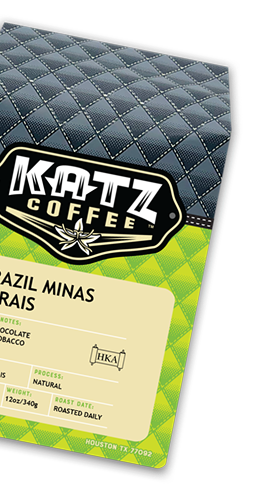
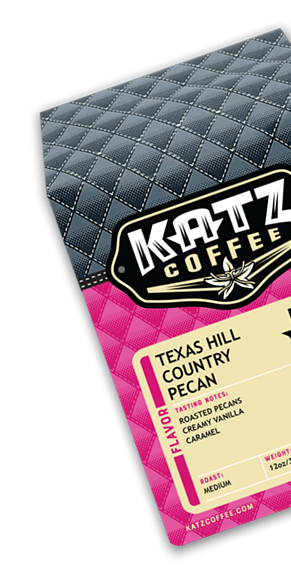
Pick your favorite Katz coffee, bag size and grind.
Choose your plan
Select a 3-, 6- or 12-month commitment and save 10%, 15% or 20%.
Fresh coffee arrives monthly
We roast your coffee to order and deliver it to your door each month.
Make it yours each month
Change your coffee selection, adjust bag quantity, skip an upcoming shipment or manage multiple subscriptions before your next shipment.
Monthly billing & reminders
You’ll be billed automatically each month throughout your selected commitment. We’ll email you before your next scheduled charge so you can review your upcoming order.
Shipping
Free standard shipping on eligible subscription orders of $50 or more. Excludes Cold Brew RTD.
HOLD THE PHONE!
Gift a Subscription
Shop Bundles
Account & Subscription Help
Find what you need to keep things brewing, and if you still need a hand, contact the Katz crew.
How Do I Access My Account and Subscription?
Sign in to your Katz account using the email address you used to place your order. Choose Subscriptions to manage recurring deliveries, Orders for order history, or Profile for your account details.
If your sign-in code does not arrive, check your spam or junk folder and make sure you entered the correct email address. If you still cannot sign in, contact the Katz crew for help.
How Do I Change My Coffee or Next Delivery?
In your Katz account, choose Subscriptions and select your subscription. Review the available options to change your coffee, skip a delivery, or reschedule your next order. Make changes before the next order is processed, then check your updated delivery date and order details.
Options depend on your products and subscription settings. If your order has already processed or you cannot find the change you need, contact the Katz crew.
How Do I Update Shipping or Payment Details?
In your Katz account, choose Profile. Use Subscription addresses to manage the addresses for recurring deliveries. To change your subscription payment method, choose Add payment method if needed, then Assign a payment method to subscriptions. Check that the change applies to the correct subscription. If you need help, contact us.
Can I Pause or Cancel My Subscription?
In your Katz account, choose Subscriptions, select your subscription, and review the available pause or cancellation options. Pause options depend on your subscription settings.
Recurring subscriptions require at least three monthly payments before cancellation becomes available. They continue monthly until canceled, including after the original plan period ends. Cancellation stops future recurring charges once effective; it does not automatically cancel or refund orders already processed. See the Subscription Policy for details, or contact the Katz crew if you need help.
I Used the Previous Katz Website or Can’t Find My Subscription. What Should I Do?
Sign in to your Katz account using the email address associated with your original purchase. Choose Subscriptions for recurring deliveries or Orders for order history.
If an existing subscription or older order is missing, or you no longer have access to that email address, contact the Katz crew so we can help locate it. Please check with us before starting a replacement subscription.